
Base Webmaster Dave Bowman walks you through the very basic ways to use AI to create a graphic for your Puget Soundings post or page.
AI Art Creation for Articles
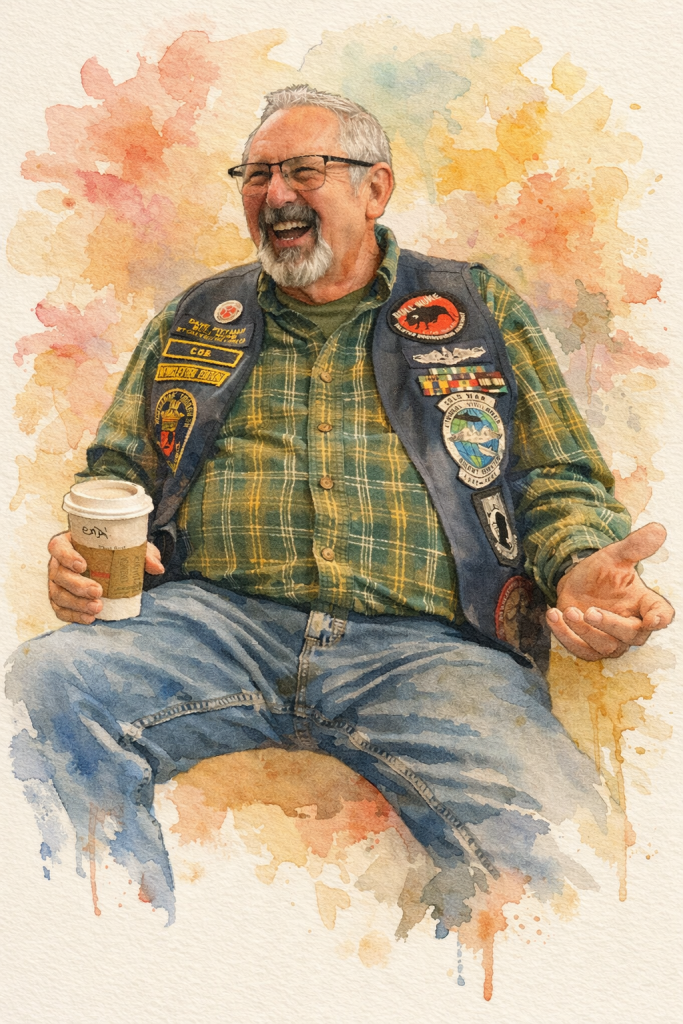
Dave demonstrated how to create artwork for Puget Soundings articles using AI programs like ChatGPT. He explained the process of using an AI program to generate artwork based on a photo, using a recent photo of Cobb as an example. Dave emphasized that the process is straightforward and can be done using various AI tools, including Facebook’s “Imagine This” feature.
Image Editing for Bull Transformation
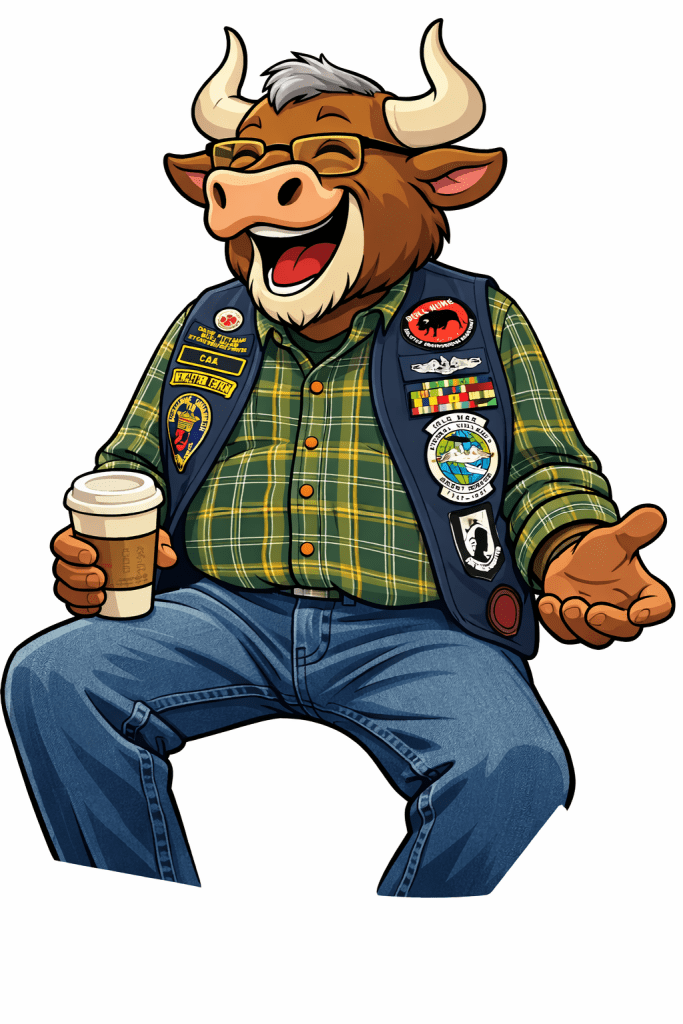
Dave explained how to modify an image to make it look like a bull by using a detailed prompt, emphasizing that the prompt is crucial for the process. He demonstrated the steps involved, including keeping the same clothing while changing the head to that of a bull. Dave also mentioned alternative tools like Adobe Photoshop and Facebook for image editing, noting that Grok has the advantage of allowing animation.
Image Generation with AI Tools
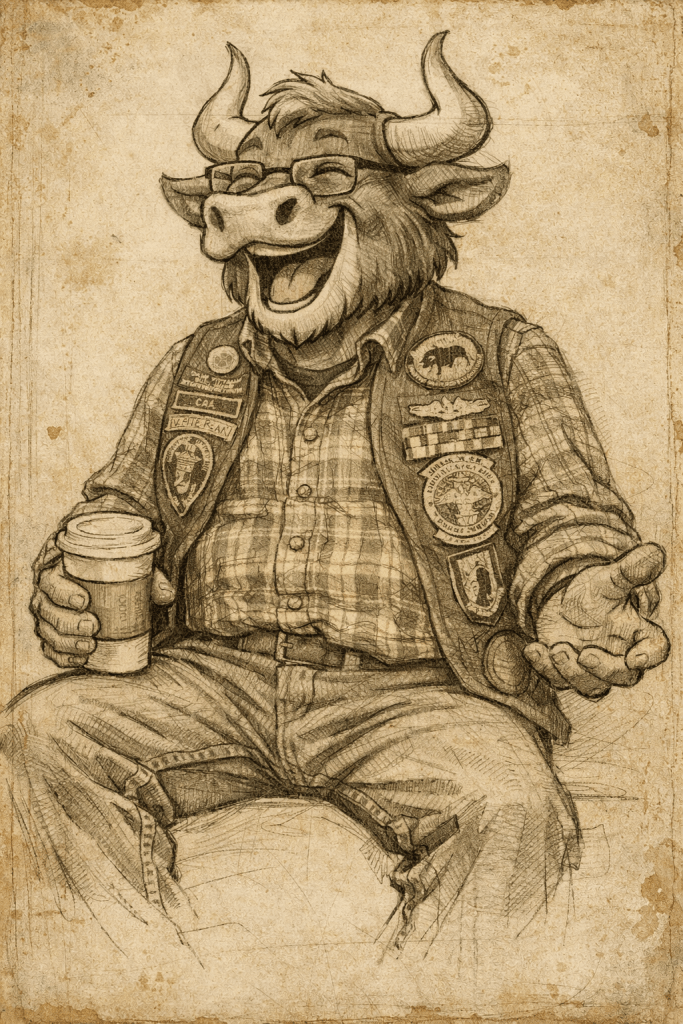
Dave demonstrated how to use ChatGPT and Grok to generate and manipulate images, emphasizing the importance of detailed prompts for better results. He explained that while ChatGPT is user-friendly, Grok offers animation capabilities but can be slower. Dave also showed how to change an image’s style, such as converting it to the “Ashcan School” or Leonardo’s style, and highlighted the potential for creative applications.
Grok: Artistic Image Generation Tool
Dave demonstrated the use of Grok, a tool that generates images in the style of famous artists like Da Vinci. He showed how to manipulate and edit images using the tool, emphasizing its ability to create detailed and artistic renditions. Dave highlighted the tool’s learning curve and its potential for creative expression, though he noted that the results might not always meet personal preferences.
AI Photo Editing Best Practices
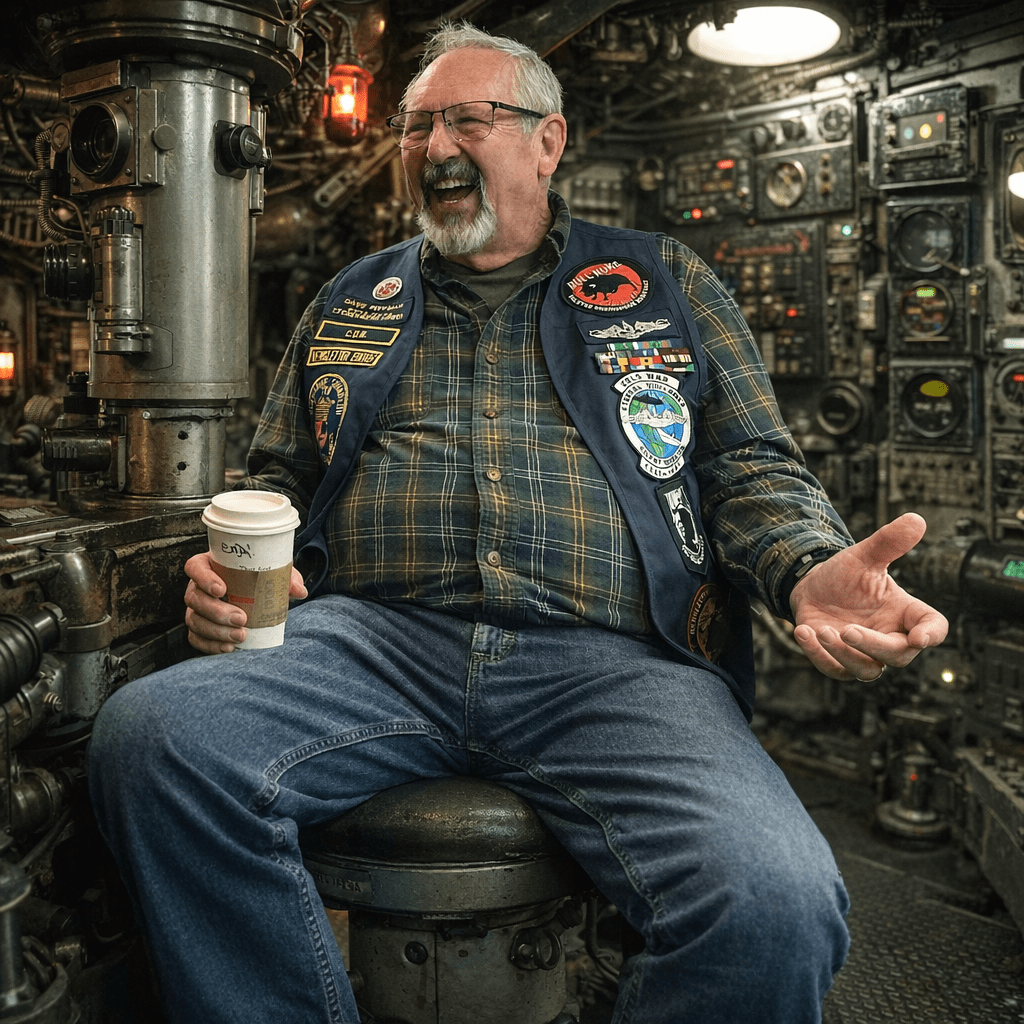
Dave demonstrated how to use an AI tool to edit photographs, showing the process of generating an image of a laughing veteran in a conning tower. He explained that the process can take time, especially for complex images, and emphasized the importance of avoiding terms of service violations when creating prompts. Dave also provided examples of how to describe changes without using specific names, such as referring to Taylor Swift as a blonde singer instead of using her name directly.
ChatGPT Watercolor Image Creation
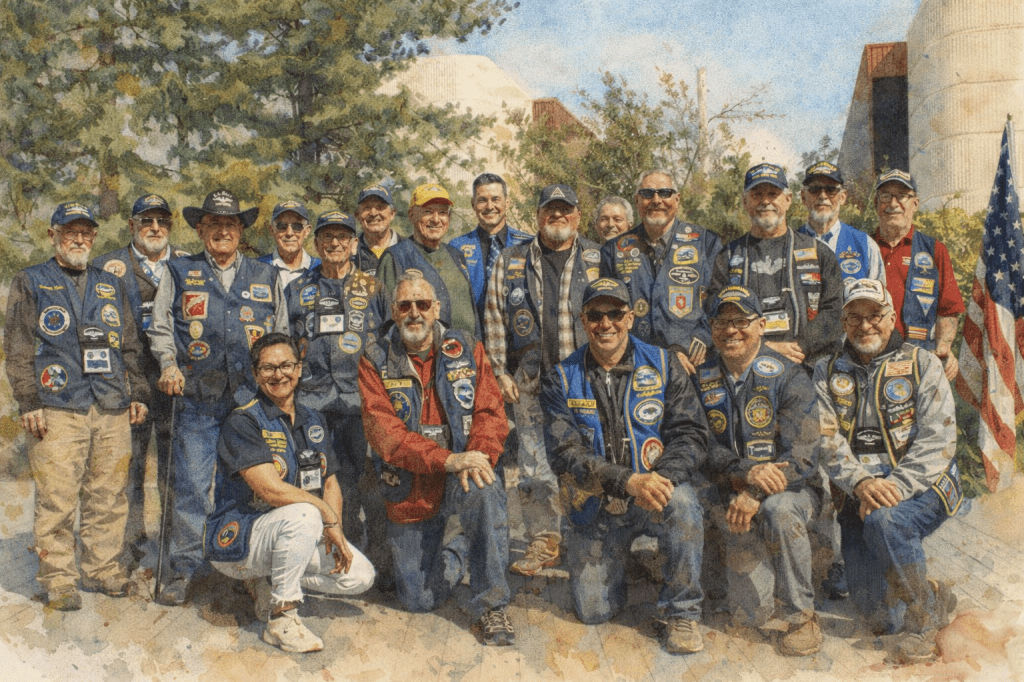
Dave demonstrated how to use ChatGPT to reverse engineer a prompt for creating a watercolor-style image from a photograph, using a specific example of Eileen and Kemmer. He showed how to input the original image and the generated prompt into ChatGPT to create a watercolor version, explaining that the process can be time-consuming but becomes quicker with practice. Dave also mentioned that the resulting image can be further modified in photo editing software and suggested using a 16×9 aspect ratio for standardization.




 The Puget Soundings